




 Basic Model Renders
May 27, 2010

Being new to Blender I was using most of the default settings. By default, it dumps all renders out to a temporary folder and the filenames are simply the frame numbers. With these settings it is very easy to overwrite old renders. That's why I no longer have the full turnaround.
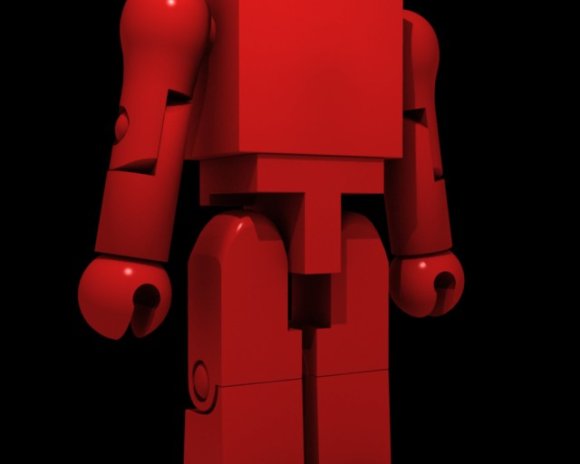
Of course I could just set up the scene and re-render it, but I've tweaked the model quite a bit since then. During the animating process I found a lot of little things that didn't look quite right. The arms had flicker due to smoothing issues, the hands had shading problems, and the legs had normals flipped in odd ways.
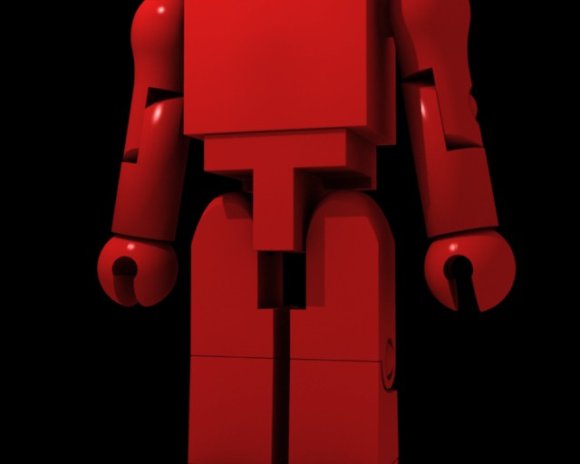
You'll notice the feet are the old pre-C3 style. I knew the first character I was going to animate was the iconic Wave 2 Spider-Man. Sure, there have been other Spideys with holed feet but not this one.
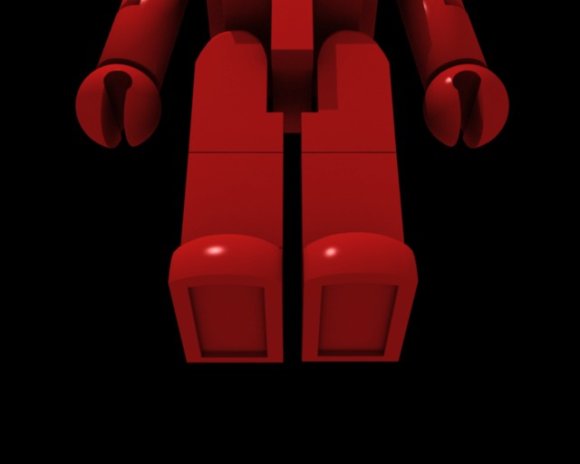
Next up, materials.
